 Wrist Pets
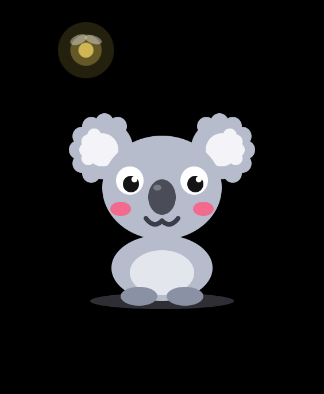
Wrist Pets: the Apple Watch game for babies and toddlers
Hand them your wrist.
For the little one who won't leave your watch alone: squishy animals to tap, chase and tickle, each with its own sound and letter from A to Z.
$0.99 a month or $9.99 for life · No ads · For Apple Watch with watchOS 11 or later
Your watch is already their favourite toy.
A little hand grabs your wrist and starts poking. Wrist Pets gives it something good to find, and your watch never leaves your arm. No phone to hand over, nothing to drop.
Flights and road trips
Takeoff, landing and the long bit in between, from the seat next to them.
Fussy spells
Tired, teething or just done. A squishy animal to giggle at while the moment passes.
Waiting rooms
The doctor's office, the airport gate, the long line at the pharmacy.
Restaurants
Between ordering and the food showing up.
Diaper changes
Something to poke on the changing table while you work fast.
Nail trims and haircuts
One hand taps the koala while you trim the other.
Little hands already know how to play.
Every touch does something, and nothing needs explaining. Its eyes follow their finger the whole time.
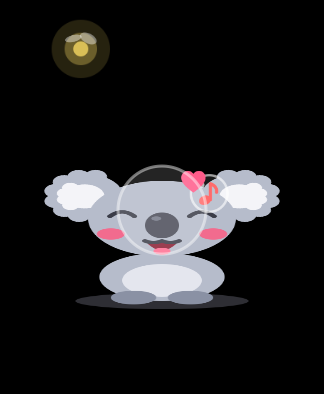
Tap
It squishes and says its sound, one note higher each time.
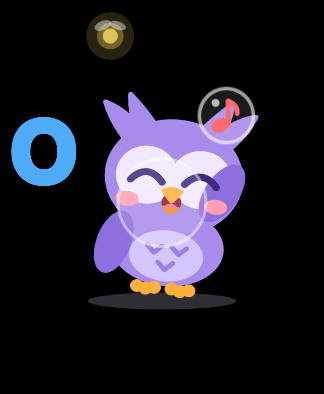
Hold
Keep a finger on it and it giggles.
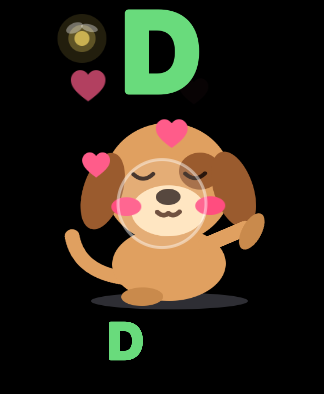
Rub
Hearts float up and it purrs, sliding along under your finger.
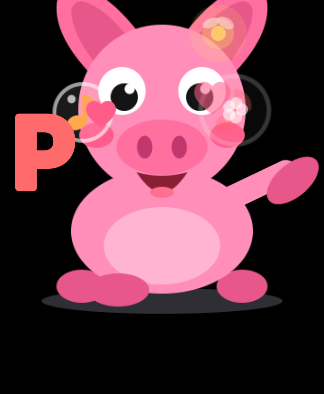
Tap, tap, tap
It puffs up bigger with every tap…
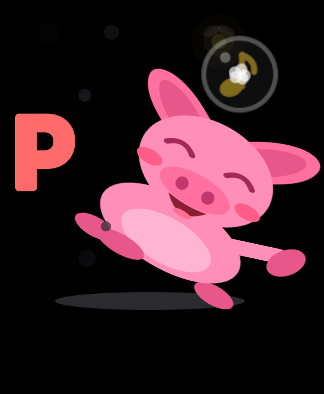
Pop!
…then pops off like a balloon and bounces back down.
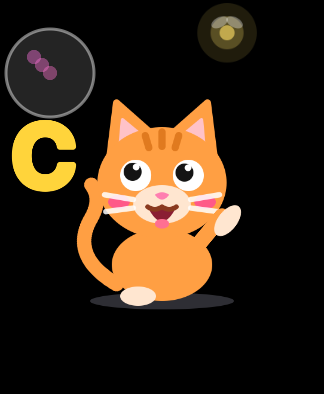
Drag
It wriggles free and runs off giggling, just out of reach.
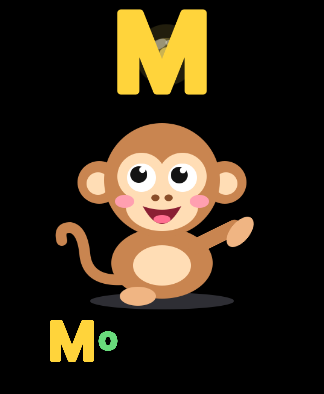
Catch
When it tires out, catch it for a big tickle.
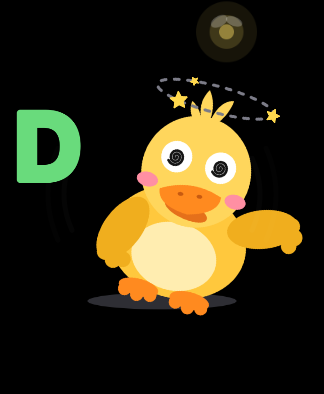
Swipe
A quick swipe spins it round and round, until it's dizzy.
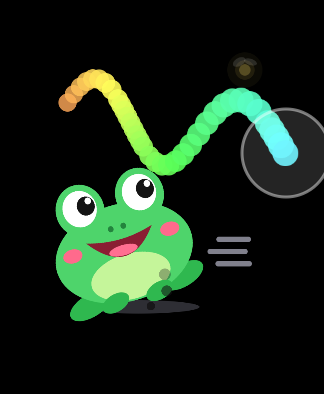
Paint
Every finger leaves a rainbow trail that fades away.
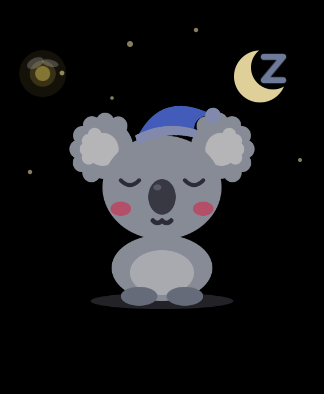
Wake up
Asleep? One tap and it wakes with a stretch and a yawn.
A sound for every animal. A letter for every sound.
Twenty-eight friends, A to Z. Tap again and again and their sounds climb a little tune.
 Asnap
 Bsqueak
 Cmeow
 Cmoo
 Dwoof
 Dquack
 Etoot
 Fribbit
 Ghum
 Hhrumph
 Isss
 Jbloop
 Kgrunt
 Lrawr
 Mooh ooh
 Nwheee
 Ohoo hoo
 Poink
 Qchirp
 Rhrumph
 Sbaa
 Troar
 Uneigh
 Vsquawk
 Wooo-eee
 Xbloop
 Ygrunt
 Zneigh
A few controls just for you.
They live on your side of the watch, so little fingers won't stumble into them.
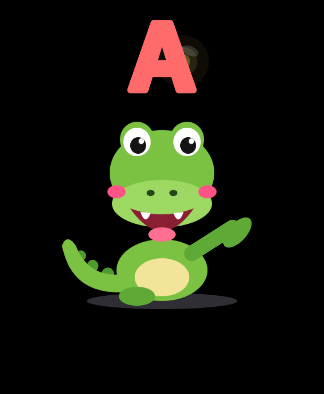
Pinch twice for a new animal
Tap your finger and thumb together twice, or shake older watches. The next animal drops in and spells its name.
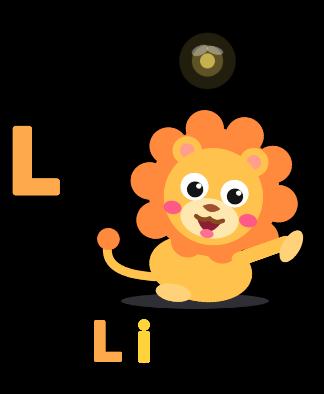
Tilt your wrist
It slides and leans downhill.
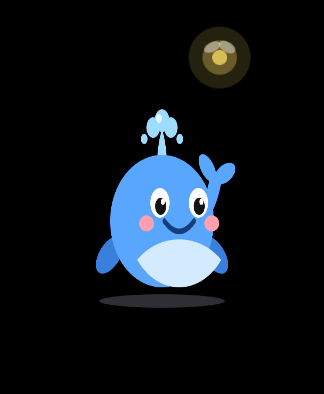
Turn the Digital Crown
It spins round like it's on a turntable.
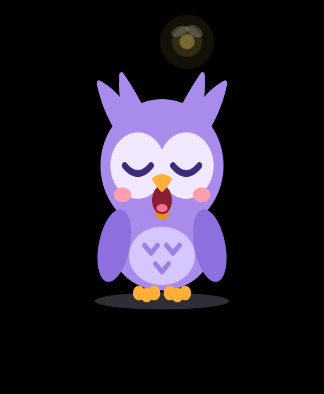
Goodnight timer
Pick 5 to 30 minutes. When time's up, it yawns and falls asleep.
How to get Wrist Pets on your Apple Watch
Wrist Pets lives on your watch. There's no iPhone app to open.
Get it from the App Store
On your iPhone, search Wrist Pets and tap Get: it installs on your watch by itself. Or on the watch, press the Digital Crown and open App Store.
Find the koala
Press the Digital Crown and tap the koala icon. The first time, it can take a minute to appear.
Unlock and play
Pick monthly or one-time behind the grown-up gate (hold the gear, then turn the crown), then hand them your wrist.
Works on Apple Watch Series 6 or later, SE (2nd generation) and every Apple Watch Ultra, with watchOS 11 or later. Tip: add it to your watch face as a complication so it's one tap away.
Set the watch up for play.
No watch app can lock the buttons or the edges of the screen. Five settings, changed once, take care of most interruptions. The rest take one press to undo.
Once, before the first play
Keep the screen awake
Settings › Display & Brightness › Wake Duration › Wake for 70 Seconds. Out of the box the screen dims 15 seconds after the last touch, and little hands pause more than you'd think.
Come back to the game, not the clock
Settings › General › Return to Clock › Wrist Pets › Return to App. Without it, the watch goes back to the clock face two minutes after your wrist drops.
Switch off the surprises
In Settings › Siri, turn off Press Digital Crown and Raise to Speak. In Settings › SOS, turn off Hold Side Button. On watches with Double Tap, turn off Settings › Gestures › Wrist Flick.
Quiet the reminders
Press the side button and tap the moon for Do Not Disturb. Stand reminders, texts and calls wait until play is over. If you use Walkie-Talkie, set yourself unavailable in it too.
Leave two things alone
Theater Mode keeps the screen dark until it's tapped, and Low Power Mode shortens the wake time. Both make the game harder to see, not easier.
Every time you hand it over
Crown toward you
Rest your forearm across your lap with the buttons on your side, away from little hands. The animal turns to stay upright for them.
One tap back
Add Wrist Pets to your watch face as a complication. On Apple Watch Ultra, set the Action button to Play Wrist Pets.
If something still pops up
The clock face is back
Double-click the Digital Crown. It reopens the last app you were in.
Something slid in from the top or bottom
The watch's own notifications or widgets. They can't be turned off, so swipe them back the way they came, or double-click the crown.
A grid of round buttons
That's Control Center, from the side button. Press the side button again.
A blue drop at the top of the screen
Water Lock is on and the screen ignores touches. Press and hold the Digital Crown until it says Unlocked.
The screen went dark
Your wrist dipped. Raise it or tap the screen, and the animal wakes up right where it was.
Siri is listening
A long press on the crown, if step 3 was skipped. Press the crown once to dismiss it, then once more for the game.
Questions parents ask
Is there a game for toddlers on Apple Watch?
Yes. Wrist Pets is an Apple Watch game made for babies and toddlers: 28 squishy animals, one for each letter from A to Z, that react to taps, rubs, drags and swipes.
Does Wrist Pets need an iPhone app?
No. It runs on the watch by itself. Download it from the App Store on your iPhone and it installs on your watch, or get it straight from the App Store on the watch.
Which Apple Watch do I need?
Any Apple Watch with watchOS 11 or later: Series 6 and newer, SE (2nd generation) and every Apple Watch Ultra.
How much does it cost?
$0.99 a month, or $9.99 once and it's yours for good. There are no ads and nothing else to buy.
Are there ads or tracking?
No ads, no tracking and no accounts. Nothing leaves the watch except purchases, which go through the App Store.
Can my toddler leave the game by accident?
No app can lock the watch's buttons, but five settings take care of most surprises (see Set the watch up for play), and double-clicking the Digital Crown jumps straight back into the game.
Is there a time limit for bedtime?
Yes. The goodnight timer (5 to 30 minutes, or off) puts the animal to sleep when play time is up.
Can I turn the sound off?
Yes. Quiet mode turns off every sound. The animals still squish, spin and spell their names.
Next time they reach for your watch, let them.
Download on the App StoreAll 28 animals for $0.99 a month, or $9.99 once and they're yours for good. No ads, ever.